MintSolo is a Solo Mining Platform. Our platform allows you, the miner, to mine on any of our pools worldwide.
In addition, with our Umbrel Self-Hosted Mining App, you can run a node on your home network and solo mine on it.
All the while, viewing your miners’ statistics within our MintSolo Solo Mining Dashboard.
The following is a list of pools we currently have available for mining.
MintSolo Solo Mining Pools
Bitcoin (BTC) Solo Mining Pools
United States
Dallas, Texas
stratum+tcp://btc.us-cent.mintsolo.com:3333Europe
Manchester, Great Britain
stratum+tcp://btc.eu-gb.mintsolo.com:3333
BitcoinII (BC2) Solo Mining Pools
United States
Dallas, Texas
stratum+tcp://bc2.us-cent.mintsolo.com:4333Europe
Manchester, Great Britain
stratum+tcp://bc2.eu-gb.mintsolo.com:4333
Once your miner is connected to any of the above pools, you can check on the status of your miners from within the MintSolo Solo Mining Dashboard using any web browser on any device. Just point your browser to http://stats.mintsolo.com .
On the stats website, click on the “Get Started” button. If you do not have an account, click the “Need an Account? Sign Up” link and follow the instructions on the site to create your account and verify your email. Otherwise, log in with the account credentials you previously made.
Once your account has been created, log in to the website and go to the “Settings –> Addresses” and enter your Bitcoin (BTC) and/or BitcoinII (BC2) addresses. Do not add the worker names here, just input your addresses.
Once the above steps are completed, your miners should appear within 5-10 minutes.
Within the dashboard, you can check the status of the selected crypto within the settings page.
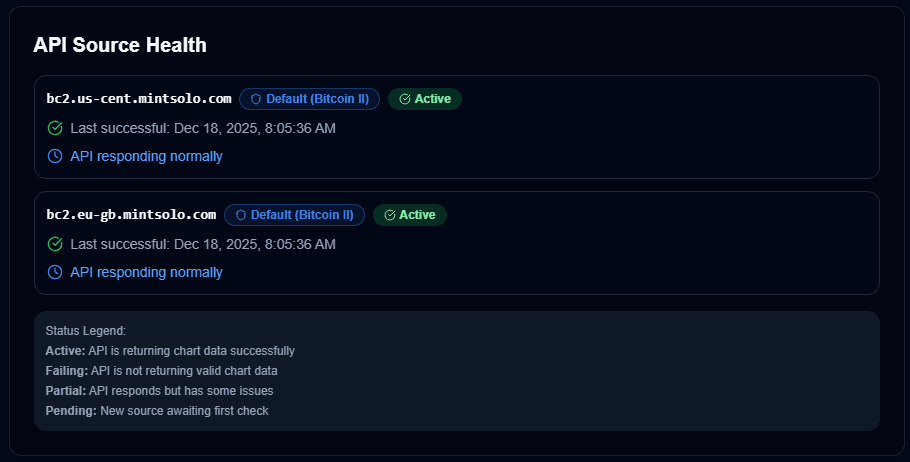
You may want to bookmark this page and check back often as we add more pools worldwide!